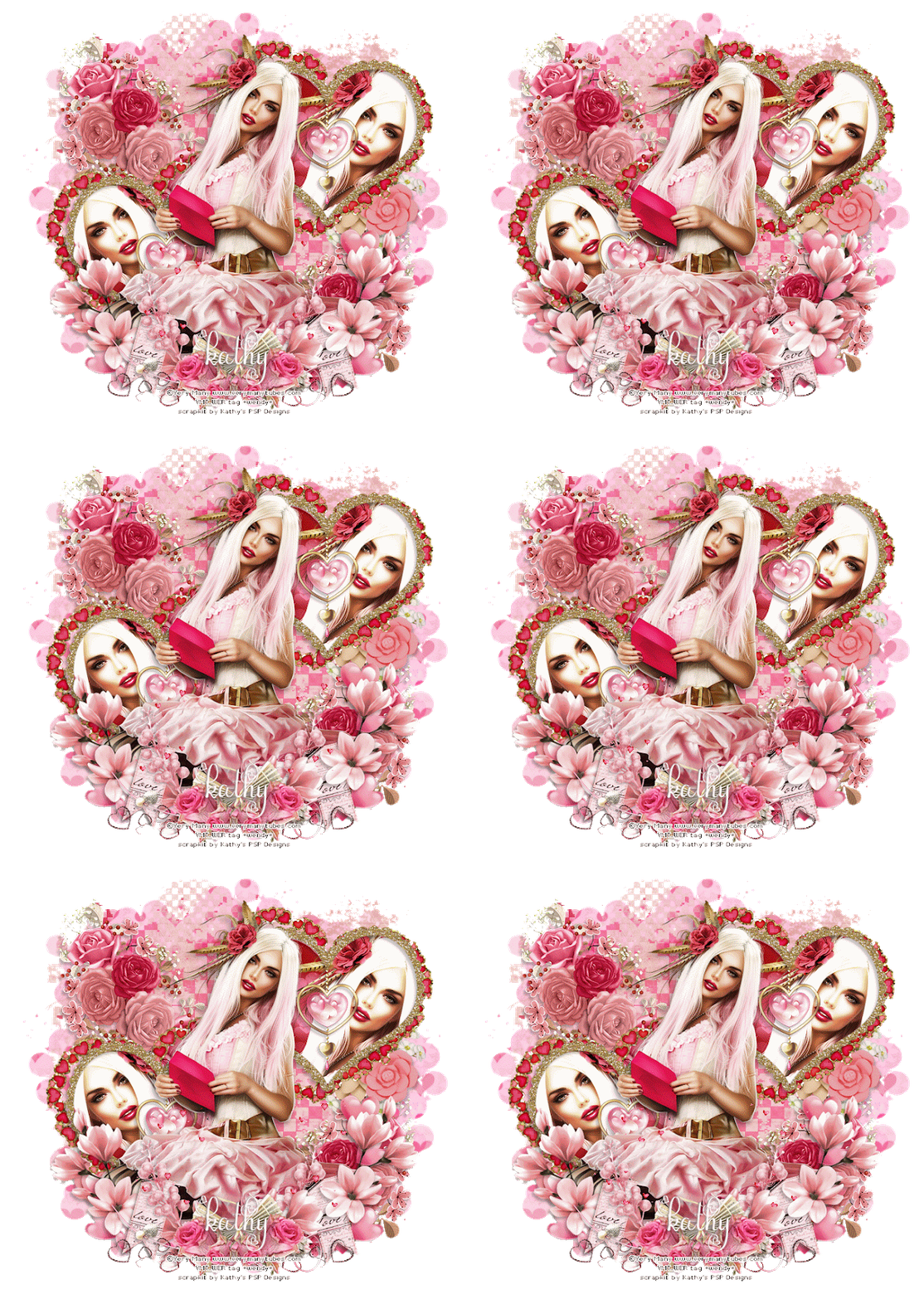
.png)
Check out this gorgeous tag Pammers did for her FTU Tutorial "Seasons Change" which you can find on her blog HERE
She used my FTU Tagger Kit "Gather Here" which you can download HERE

You can find cluster frames from this kit HERE

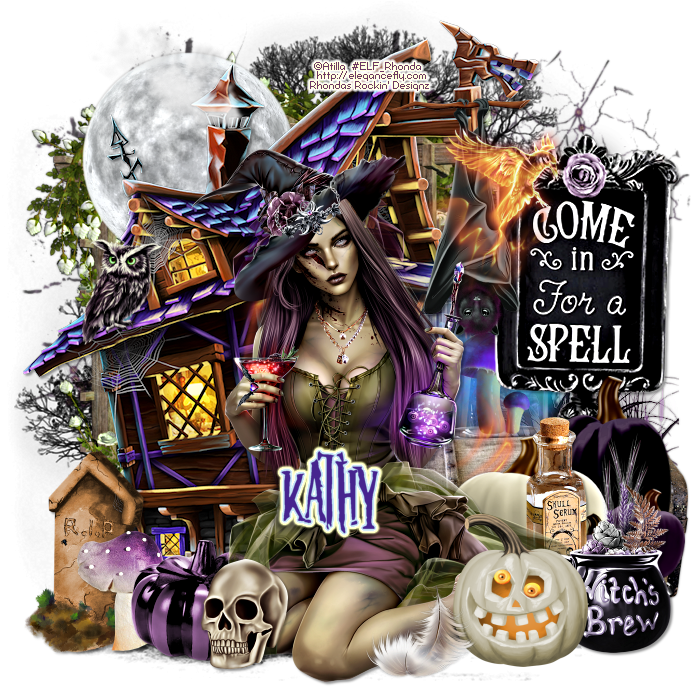
“Poison Ivy” Tutorial
By Kathy’s PSP Designs 2024
Supplies HERE
Tube I used is "Dryad" by ©MaryArt HERE
This Tut assumes you have a working
knowledge of Paint Shop Pro. I use PSP 2022 but it can be done in any version.
Any similarities to other tuts is purely coincidental. I made this up as I went
with my own imagination. Results will vary depending on items used.
Scrapkit of Choice or the one I used
is “Forest Elf 22” available HERE at Curious Creative Dreams. I suggest ones
with lots of greenery/leaves.
Filters Used:
Graphics Plus Kaleidoscope
DSB Flux Blast
Xero Fritillary
Mask is Vix Mask 469 HERE
Font is Sage Leaves from HERE
1.
Open
a transparent canvas 650x650.
2.
Open
the tube of choice, copy & paste to your blank canvas & resize to your
liking. I use a drop shadow of

3. Open the paper from the supplies, add a new layer to your canvas, select all.
Copy
the paper & paste as a new layer. Select none.
4.
Staying
on your paper layer, apply your mask of choice or the one I used, Vix Mask 469
HERE. I open the mask then go back to my canvas on the layer I want to apply
the mask to. Click Layers, New Mask Layers, From Image then select the mask in
the source window drop down list with source luminance checked & invert
mask date not checked & hit OK.
5.
Delete
mask raster layer 1, right click on the top mask layer, click merge, merge
group. At this point you can duplicate if you want it darker, merge down or
just add the same drop shadow.
6. Open your frame of choice & position it under your tube layer. Duplicate your tube layer & move the copy underneath the frame layer. Now on your top tube layer use your eraser with these settings.

Erase the parts of the tube covering
your frame. Then choose your bottom tube layer & erase any of it showing
out from under your frame that is showing where you don’t want it.
7.
Copy
& Paste another copy of your tube layer right above the mask layer.
8.
Apply
the Graphics Plus Kaleidoscope filter with the following settings

9.
Apply
the DSB Flux filter Blast with the following settings


10. Resize this layer if you need to.
11.
At
this point arrange any scrap items you are using as you wish.
12.
Add
your name.
13.
When
finished to your liking add appropriate ©info and merge visible layers.
14.
Save
as a .png.
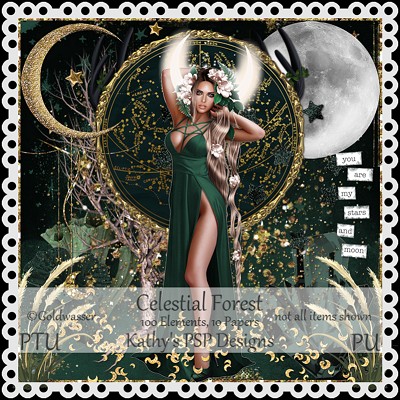
Hop over to Pammer's Passions to check her new tutorial " Celestial" using my tagger kit "Celestial Forest" HERE
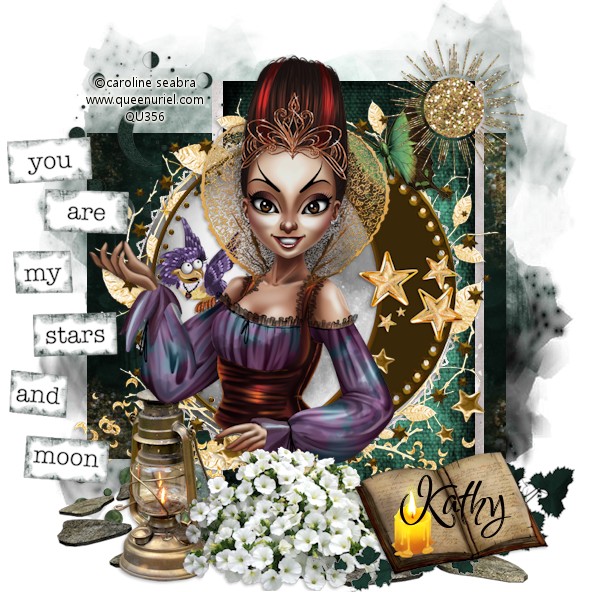
So pretty! She used a gorgeous tube by Caroline Seabra at QueenUriel.com
Love this celestial cluster frame Pammers did using my "Celestial Forest" available HERE.
You can download it on her blog HERE

You can find the tutorial HERE Be sure to visit her blog HERE
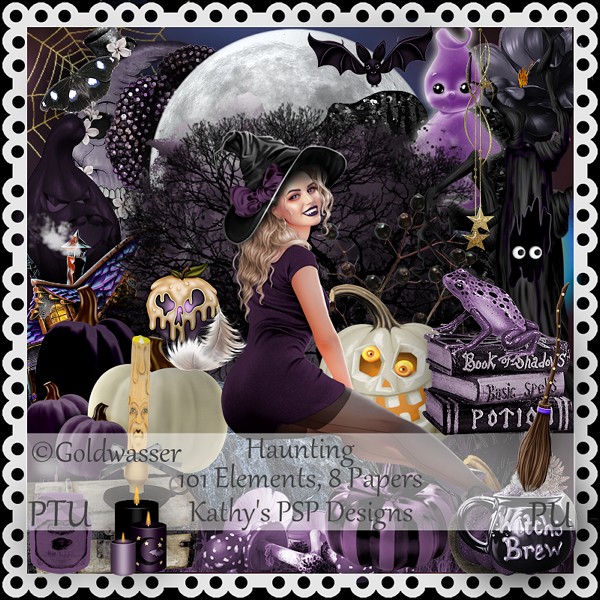
She also made the 2 beautiful cluster frames that you can get on her blog HERE


.png)


.png)